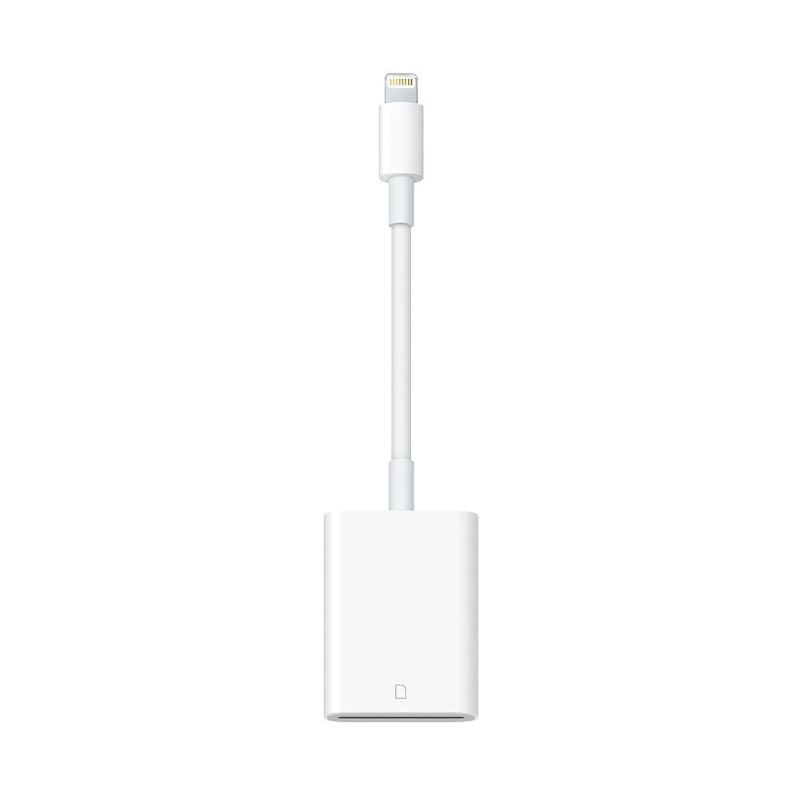
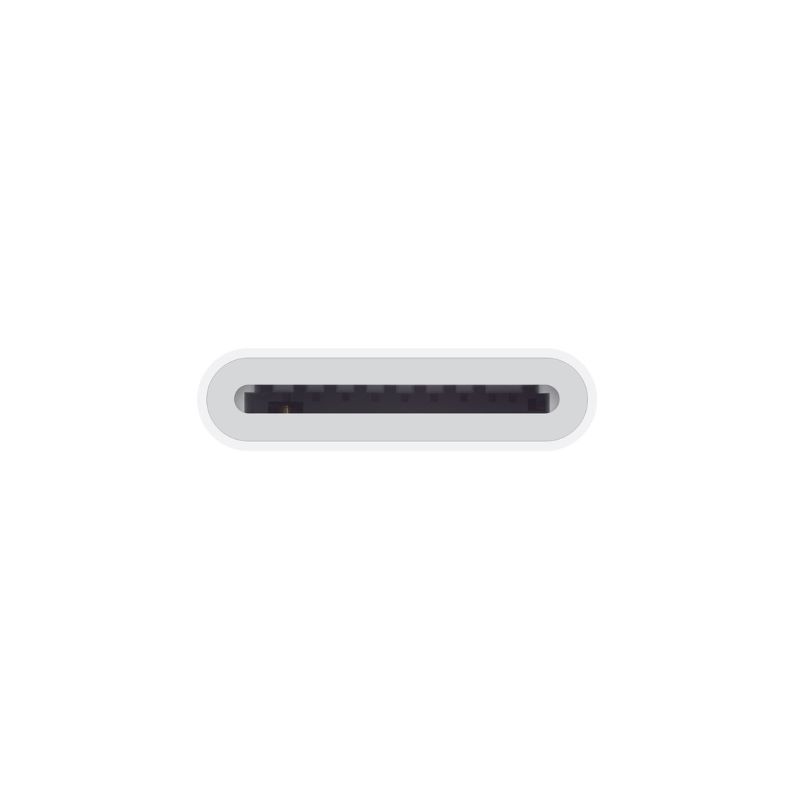
With the Lightning to SD Card Camera Reader, it’s easy to download photos and videos from your digital camera to your iPad or iPhone so you can view them on the gorgeous Retina display and share them with family and friends.
After you insert the SD card into the reader, your iPad or iPhone automatically opens the Photos app, which organizes your photos into Moments, Collections and Years. And when you use iCloud Photo Library, all your full-resolution photos and videos are stored safely in iCloud and automatically added to the Photos app on all your devices. With iCloud Photo Sharing, you can share your photos and videos with just the people you choose.
The Lightning to SD Card Camera Reader supports standard photo formats, including JPEG and RAW, along with SD and HD video formats, including H.264 and MPEG-4. It supports data transfer at up to USB 3 speeds on the 12.9-inch iPad Pro (1st and 2nd generation) and 10.5‑inch iPad Pro, and up to USB 2 speeds on the 9.7-inch iPad Pro and all other iPad and iPhone models.
***Important Notes:***
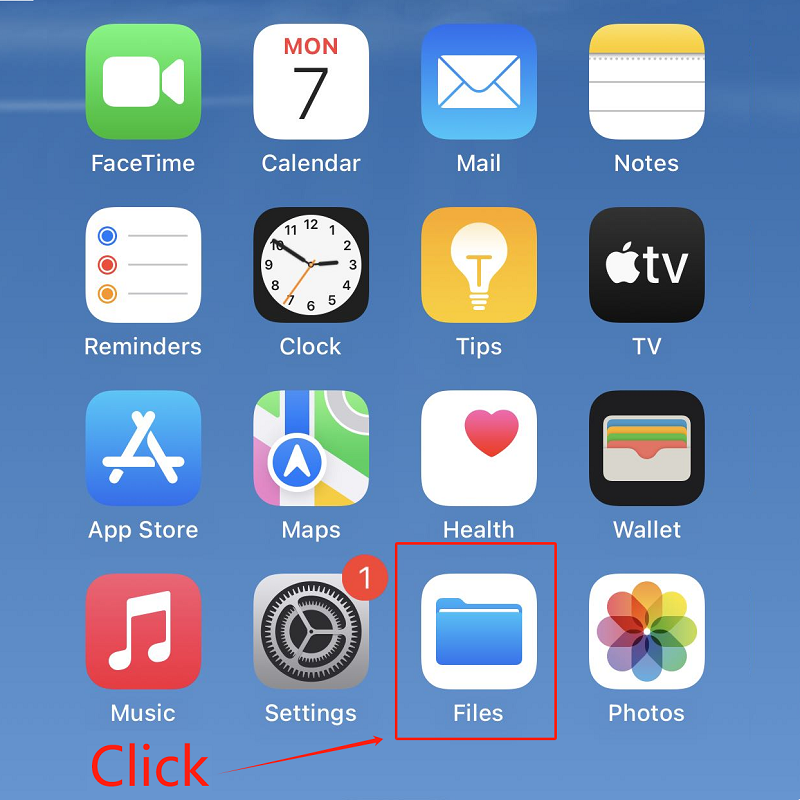
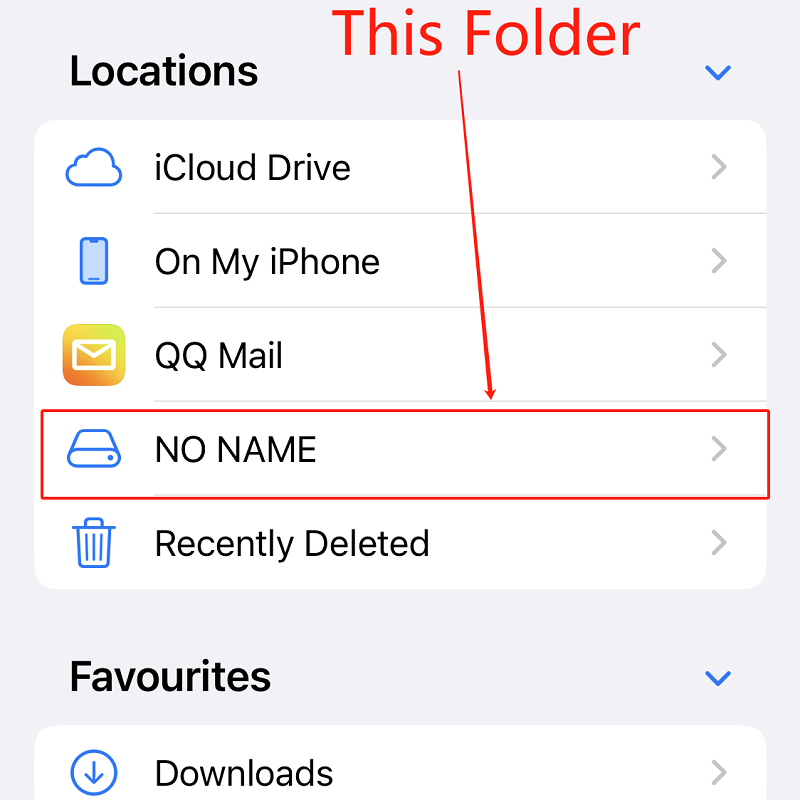
The second and third images indicated how to use this SD card reader, please follow the instruction if you don’t know how to use it.
Some memories card may not recognized by the this card reader, such as SONY, please try other card if possible.

 iPhone XS MAX LCD Screen Replacement JK Premium In-Cell Quality
 iPhone 6S Plus LCD Screen Replacement High Quality, Black

There are no reviews yet.